
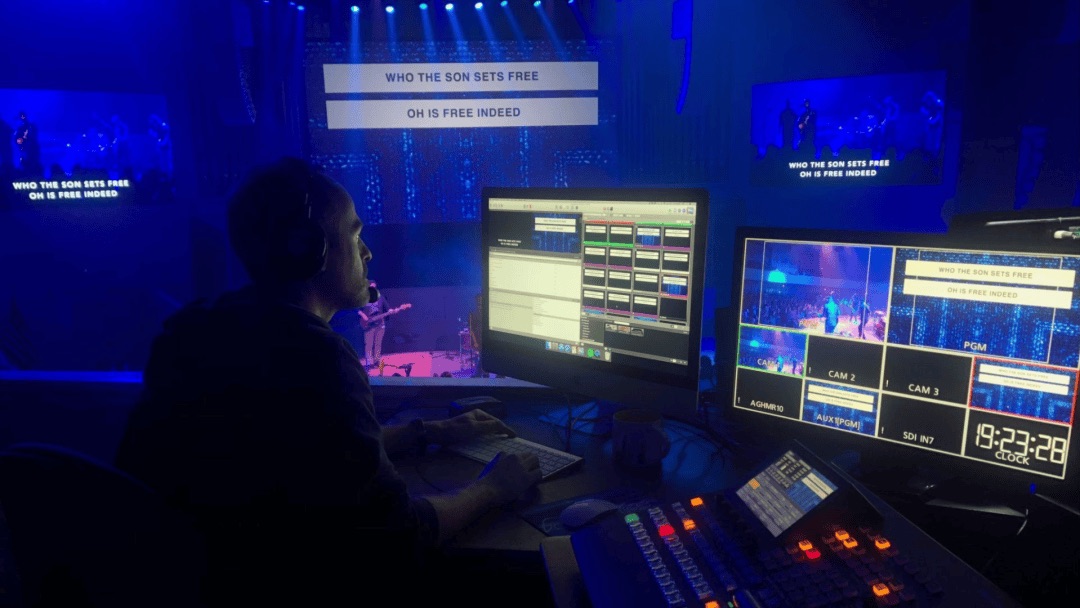
The problem
The tool isn’t the problem. Nobody showed your team the rest of it.
Most churches use about a fifth of what ProPresenter can do, and they pay for it in time. Slides get rebuilt every week. Lyrics get retyped. Somebody discovers at 9:40 on Sunday that the sermon graphic is the wrong size.
And if only one person knows the program, whoever fills in while they’re on vacation is guessing, and the congregation can tell.
We train the people who actually run it, usually volunteers, often teenagers, so the setup is understood by more than one person.
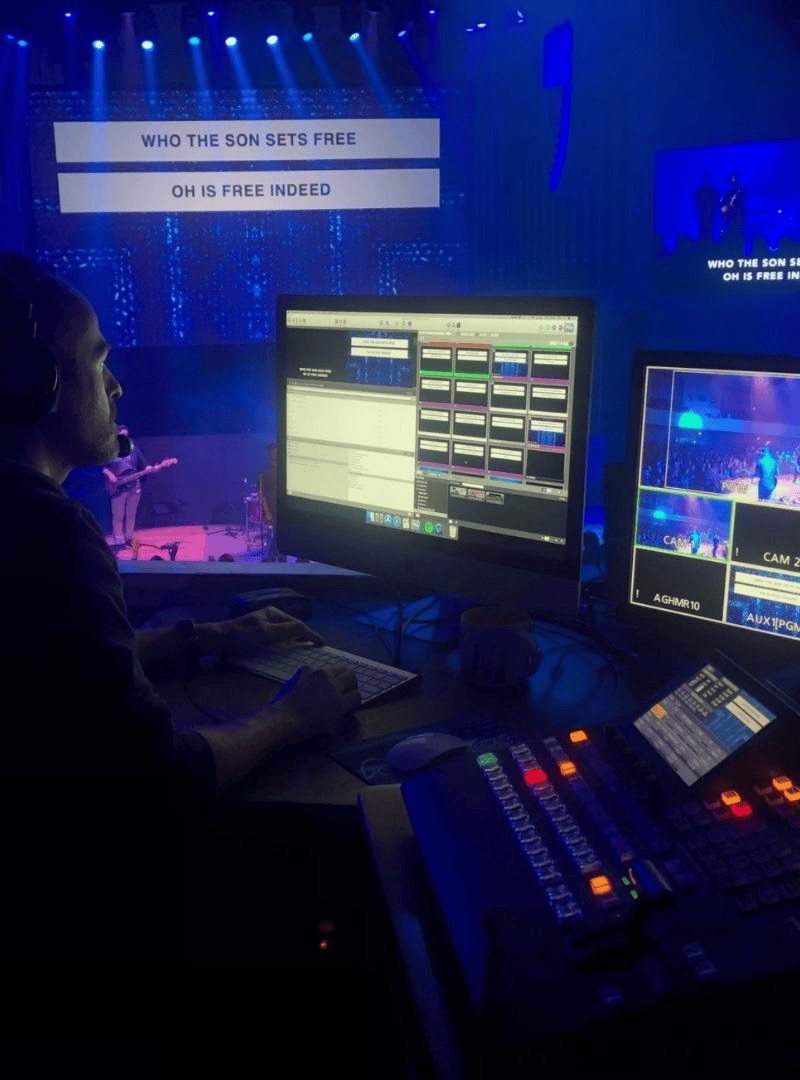
What we cover
Everything your team needs on Sunday.
Themes & Templates
Set the look once so every slide matches without anyone choosing a font. This alone usually saves an hour a week.
Lyrics & CCLI
Importing songs instead of retyping them, keeping a clean library, and getting your reporting right.
Building the Service
Playlists, reusable elements, announcement loops, countdowns, and a Saturday routine that takes minutes.
Screens & Stage Display
Main screens, confidence monitor, and a lower-third feed for the stream, configured properly.
Whatever Else You Need
Multi-screen setups, macros, MIDI control. Tell us what you’re trying to pull off and we’ll build the session around it.
When It Goes Wrong
Black screen, no audio, video won’t play, wrong display. What to check, in what order, in thirty seconds.
How we do training.
On your equipment, with your files, with your volunteers in the room. We’ll usually clean up the setup as we go, so the thing you learn on is the thing you’ll use.
Two or three hours covers most teams. We’d rather come back for a shorter follow-up than fill a whole day. Remote sessions work fine for questions once the setup is in place.

Tell us where your ministry is feeling the strain.
A free 30 minute conversation. We’ll help you find the right solutions.